

Denver Gem Show 101 App
Interactive Venue Directory, Vendor Search, and Product Lookup Engine designed for professional buyers and collectors.
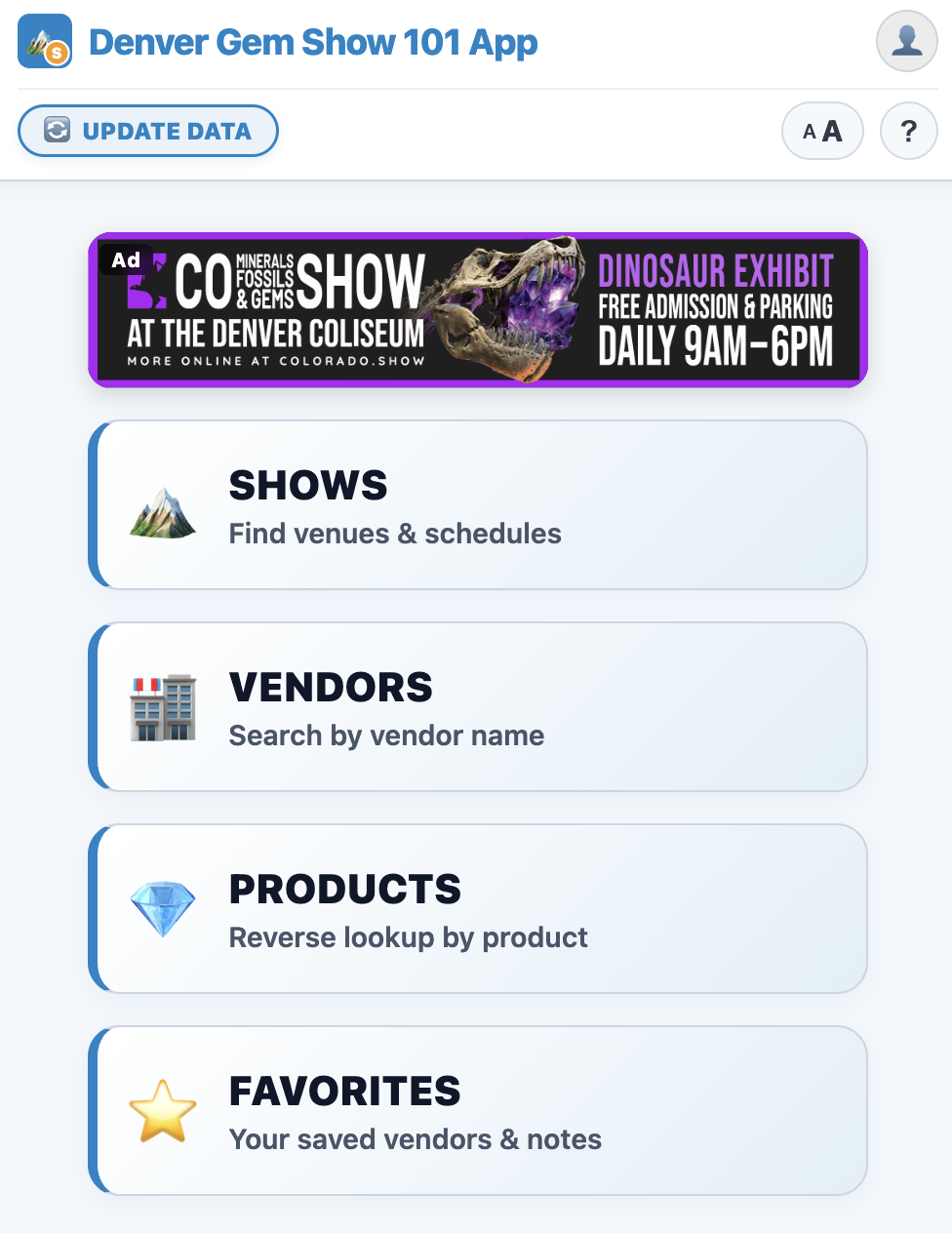
- Core Application Features
- The Coolest Feature: Product Tagging
- How to Install the App
- Frequently Asked Questions
- Do I need an app store to install this?
- How do I submit or tag a product I found at a booth?
- Is this app really free? Are there hidden fees?
- Why can’t I find this app on the App Store or Google Play?
- Do I need to create an account or sign in?
- Will the app work inside large exhibition tents without cell service?
- Can vendors or other users see my private notes?
- How do I make sure I have the latest vendor data?
- Does the app provide directions to the show venues?
- Access the Denver Gem Show 101 App
Core Application Features
Vendor & Booth Search
Find 1,000+ international dealers instantly by company name or booth number to navigate sprawling show grounds without getting lost.
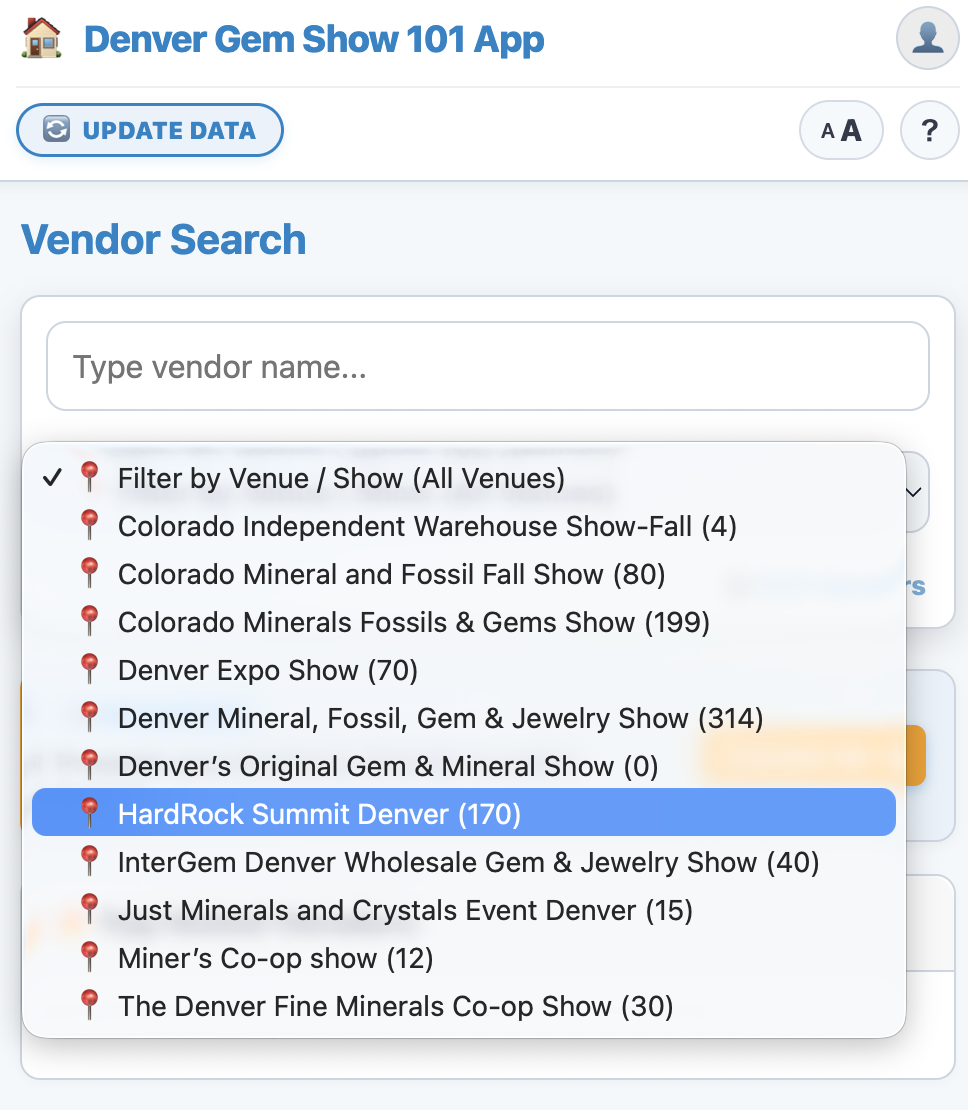
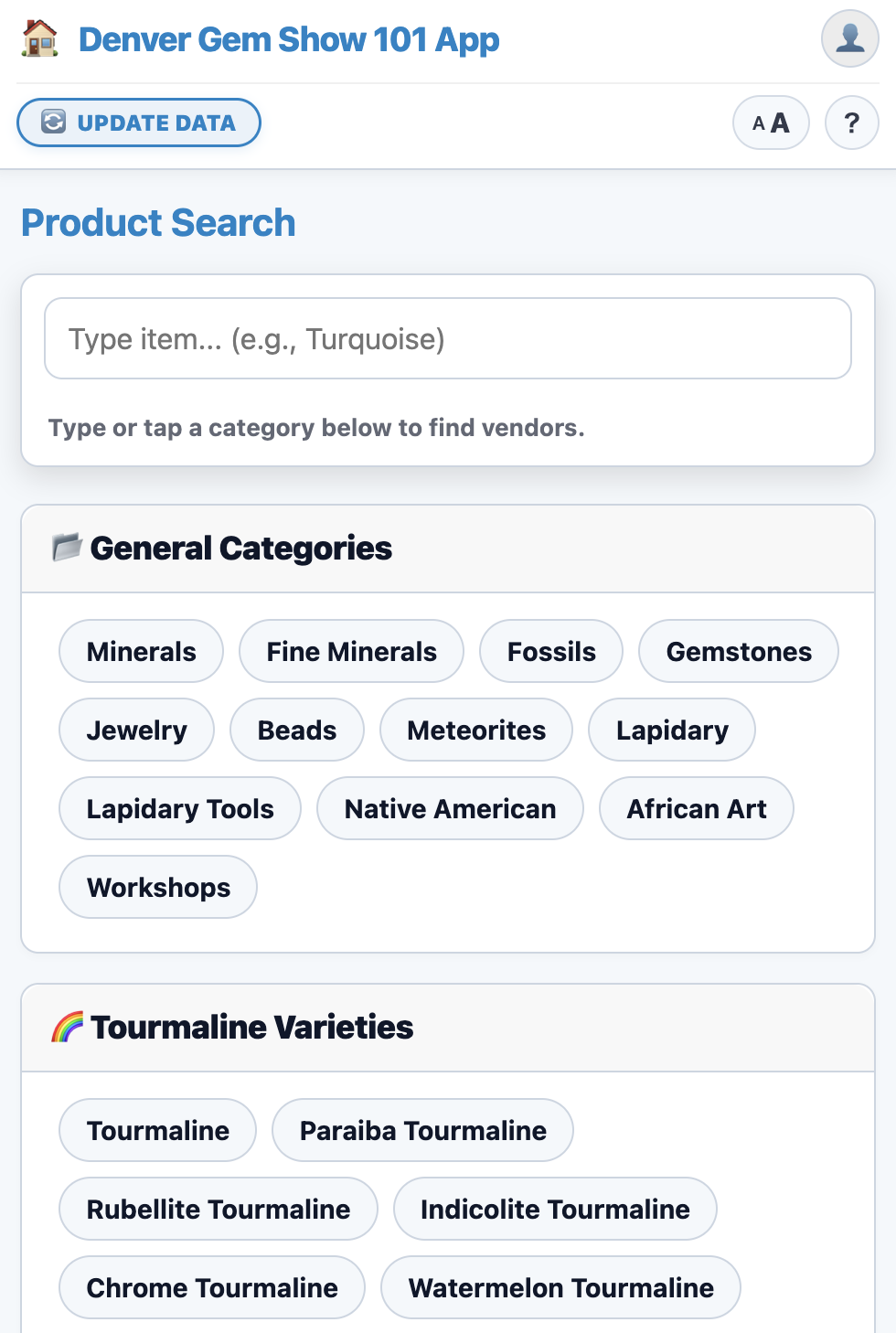
Specific Mineral & Product Lookup
Search specific stones, fossils, or gemstones (e.g., Rhodochrosite, Meteorites, Beads) to pinpoint exact booth locations.
100% Offline Access in Show Tents
Functions seamlessly inside metal exhibition halls and tents where cell service fails—core directory data caches directly on your phone.
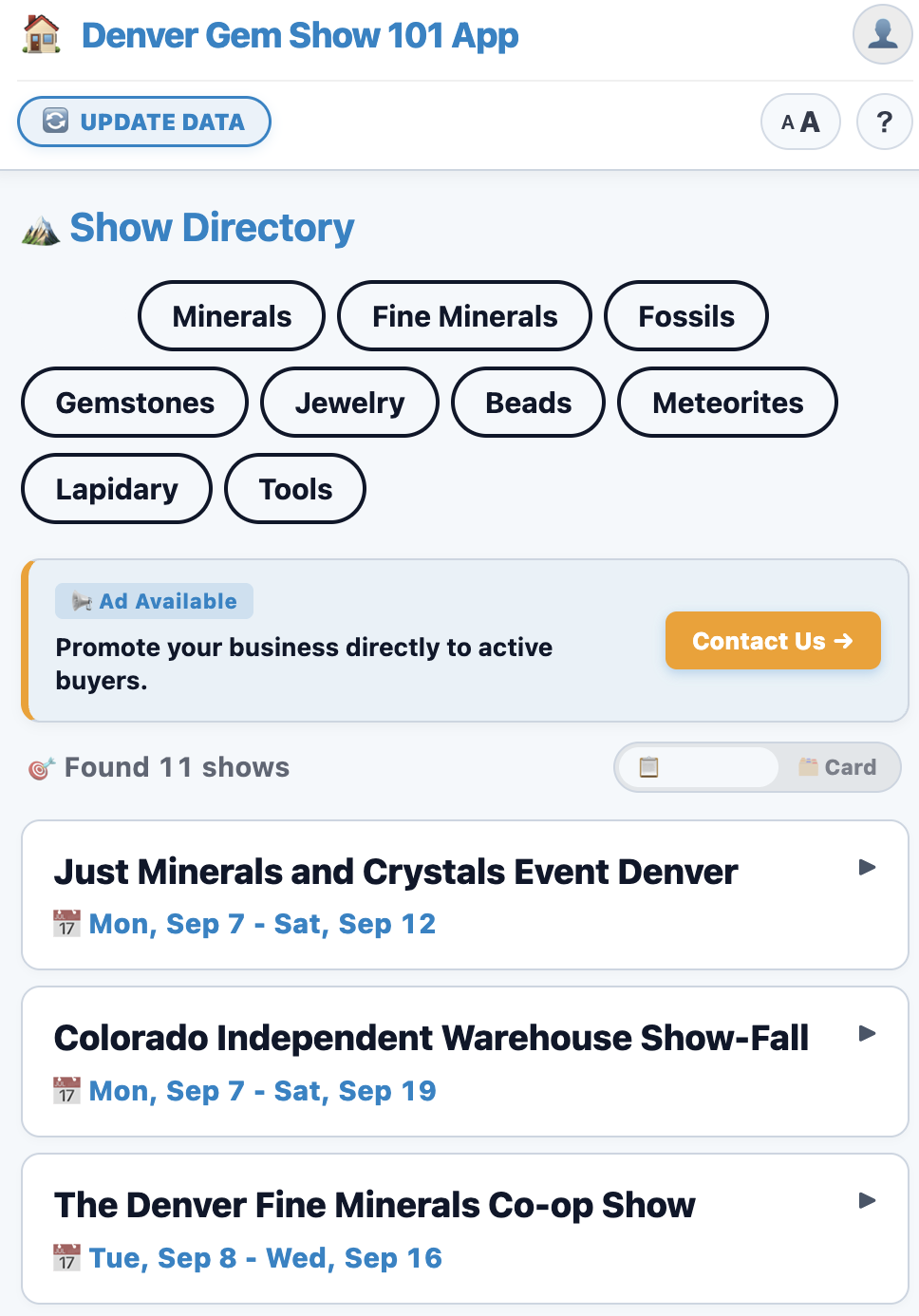
Venue Directory & Interactive Maps
Access dates, opening hours, registration policies, parking details, and 1-tap Google Maps navigation for all 10+ show locations in Denver.
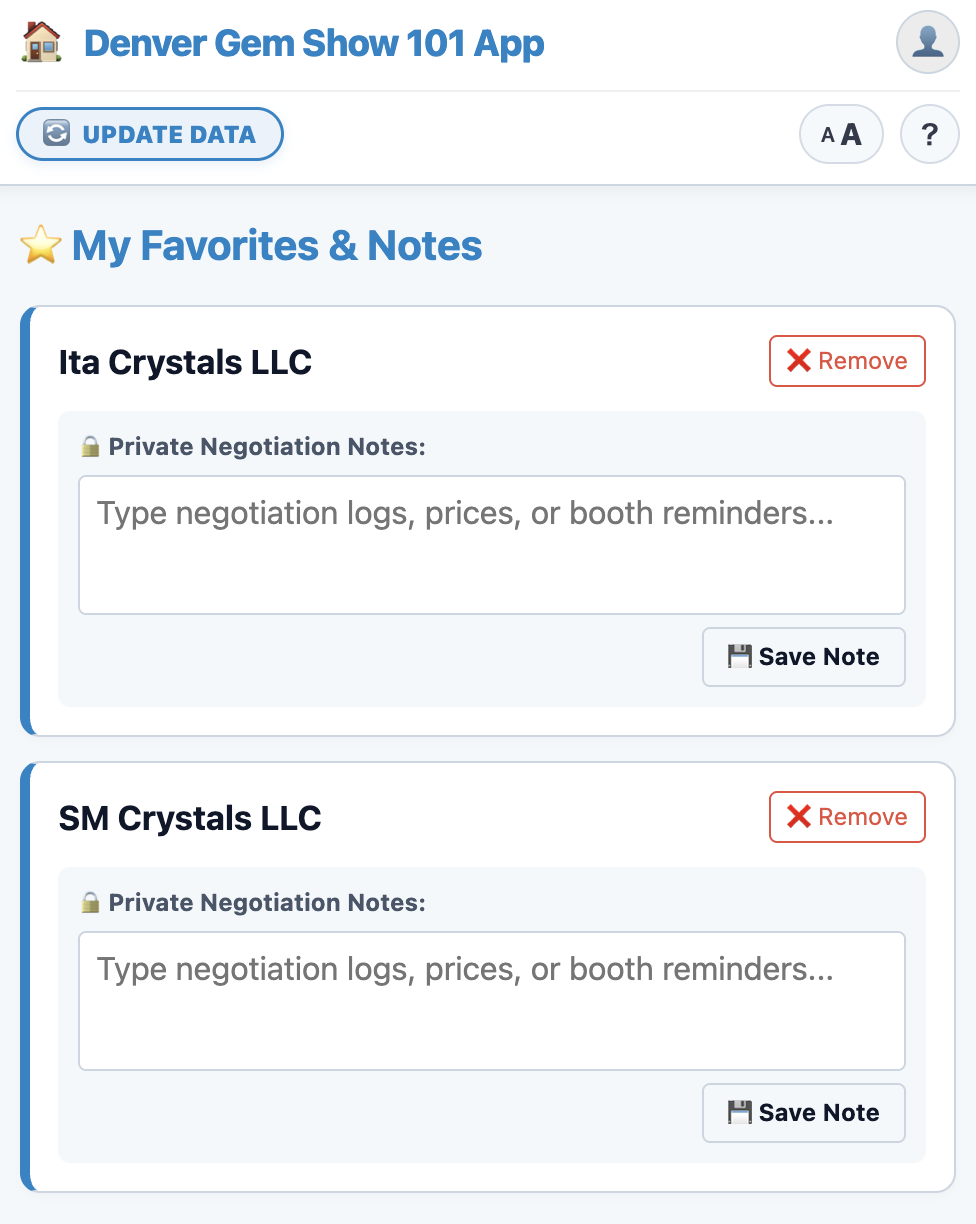
Private Field Notes & Bookmarks
Bookmark key vendors and store confidential pricing and negotiation notes locally and securely on your personal device.
Community Product Tagging
Tag items found at booths without creating an account to help update and build live inventory listings for the community.
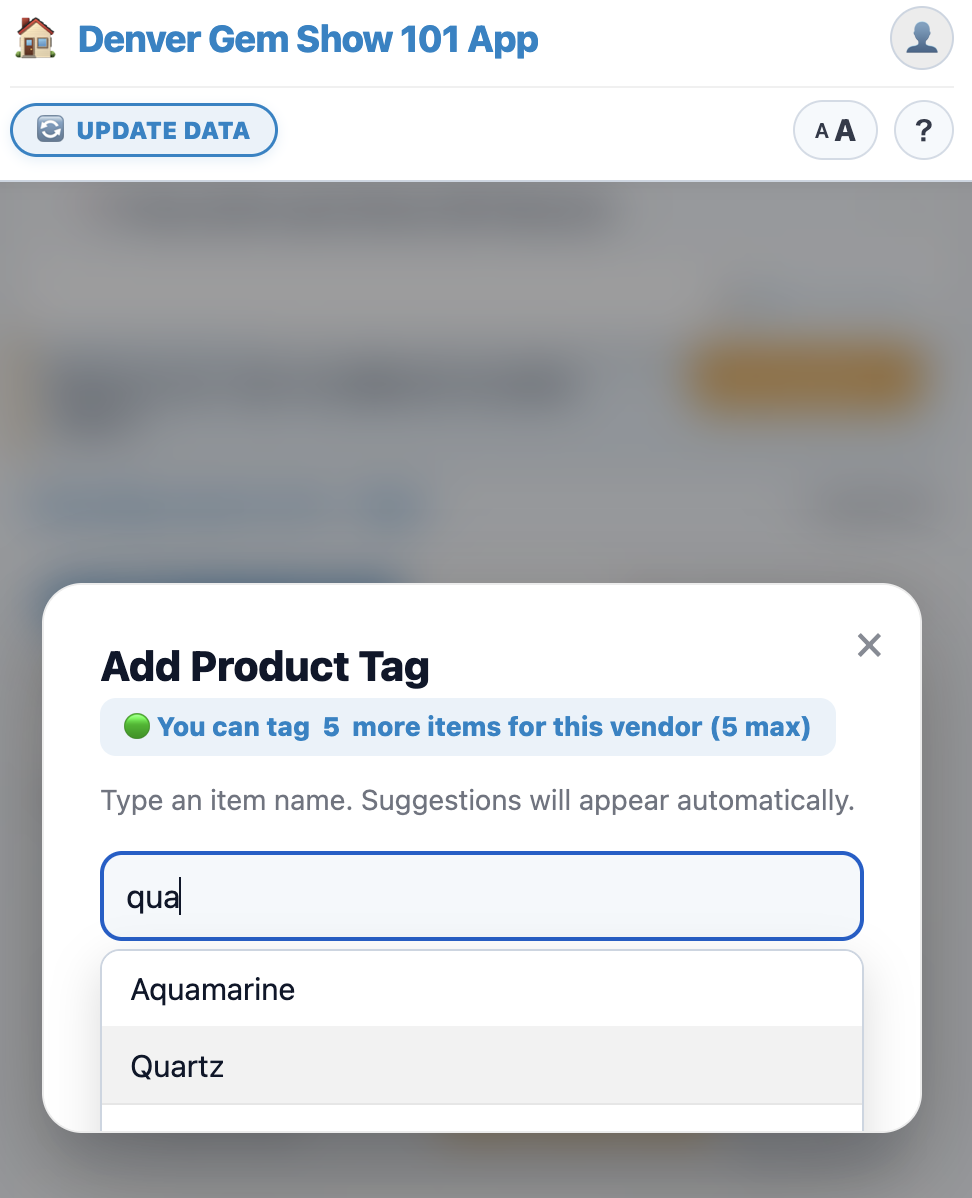
The Coolest Feature: Product Tagging
- Search by Anything: Look up vendors by name, booth number, or specific rock (e.g., Rhodochrosite, Fossils).
- Tag What You See: The best feature? Product Tagging! Spotted an item at a booth? Tag it under that vendor in seconds.
- Smarter Together: Every tag you add makes the app smarter, helping everyone find exactly what they’re looking for!
How to Install the App
No App Store or Google Play download is required. Simply open the app link directly in your browser and save it to your home screen for 1-tap quick access.
iOS (Safari)
- Open the app link
- Tap the Share icon (square with an arrow pointing up)
- Select “Add to Home Screen”
Android (Chrome)
- Open the app link
- Tap the menu icon (three dots in top right)
- Select “Add to Home screen” or “Install App”
Frequently Asked Questions
Do I need an app store to install this?
No app store is needed! Simply save the web app to your phone’s home screen using the guide above, or save the URL to your browser bookmarks. Once loaded, it works offline either way.
How do I submit or tag a product I found at a booth?
No login is required! You can easily register items directly from any vendor card:
- Search for the vendor’s name and open their card.
- Tap the “+ Add Product” button inside the card.
- Type or select the product name and tap Submit (you can tag up to 5 items per vendor).
Is this app really free? Are there hidden fees?
Yes, it is 100% free. There are no subscriptions, in-app purchases, or hidden fees.
Why can’t I find this app on the App Store or Google Play?
It is a web-based application (PWA). You can run it directly in your mobile browser or add it to your home screen without downloading anything from an app store.
Do I need to create an account or sign in?
No. Browsing venues, searching vendors, checking product availability, and taking private notes require no registration or sign-in.
Will the app work inside large exhibition tents without cell service?
Yes. Upon initial load, key directory data is saved directly to your browser, allowing fast searches even without Wi-Fi or cellular signal.
Can vendors or other users see my private notes?
No. Your negotiation notes and bookmarked favorites are saved locally on your personal device only.
How do I make sure I have the latest vendor data?
Tap the “UPDATE DATA” button in the app header whenever you have internet connectivity to instantly sync the newest information.
Does the app provide directions to the show venues?
Yes. Each venue card includes a direct Google Maps link for one-tap navigation and address copying.